
Nacos: Dynamic Naming and Configuration Service





What does it do
Nacos (official site: nacos.io) is an easy-to-use platform designed for dynamic service discovery and configuration and service management. It helps you to build cloud native applications and microservices platform easily.
Service is a first-class citizen in Nacos. Nacos supports almost all type of services,for example,Dubbo/gRPC service, Spring Cloud RESTFul service or Kubernetes service.
Nacos provides four major functions.
-
Service Discovery and Service Health Check
Nacos makes it simple for services to register themselves and to discover other services via a DNS or HTTP interface. Nacos also provides real-time health checks of services to prevent sending requests to unhealthy hosts or service instances.
-
Dynamic Configuration Management
Dynamic Configuration Service allows you to manage configurations of all services in a centralized and dynamic manner across all environments. Nacos eliminates the need to redeploy applications and services when configurations are updated, which makes configuration changes more efficient and agile.
-
Dynamic DNS Service
Nacos supports weighted routing, making it easier for you to implement mid-tier load balancing, flexible routing policies, flow control, and simple DNS resolution services in the production environment within your data center. It helps you to implement DNS-based service discovery easily and prevent applications from coupling to vendor-specific service discovery APIs.
-
Service and MetaData Management
Nacos provides an easy-to-use service dashboard to help you manage your services metadata, configuration, kubernetes DNS, service health and metrics statistics.
Quick Start
It is super easy to get started with your first project.
Deploying Nacos on cloud
You can deploy Nacos on cloud, which is the easiest and most convenient way to start Nacos.
Use the following Nacos deployment guide to see more information and deploy a stable and out-of-the-box Nacos server.
Start by the provided startup package
Step 1: Download the binary package
You can download the package from the latest stable release.
Take release nacos-server-1.0.0.zip for example:
unzip nacos-server-1.0.0.zip
cd nacos/bin
Step 2: Start Server
On the Linux/Unix/Mac platform, run the following command to start server with standalone mode:
sh startup.sh -m standalone
On the Windows platform, run the following command to start server with standalone mode. Alternatively, you can also double-click the startup.cmd to run NacosServer.
startup.cmd -m standalone
For more details, see quick-start.
Quick start for other open-source projects:
Documentation
You can view the full documentation from the Nacos website.
You can also read this online eBook from the NACOS ARCHITECTURE & PRINCIPLES.
All the latest and long-term notice can also be found here from GitHub notice issue.
Contributing
Contributors are welcomed to join Nacos project. Please check CONTRIBUTING about how to contribute to this project.
How can I contribute?
- Take a look at issues with tags marked
good first issueorcontribution welcome. - Answer questions on issues.
- Fix bugs reported on issues, and send us a pull request.
- Review the existing pull request.
- Improve the website, typically we need
- blog post
- translation on documentation
- use cases around the integration of Nacos in enterprise systems.
Other Related Project Repositories
- nacos-spring-project provides the integration functionality for Spring.
- nacos-group is the repository that hosts the eco tools for Nacos, such as SDK, synchronization tool, etc.
- spring-cloud-alibaba provides the one-stop solution for application development over Alibaba middleware which includes Nacos.
Contact
- Gitter: Nacos's IM tool for community messaging, collaboration and discovery.
- Twitter: Follow along for latest nacos news on Twitter.
- Weibo: Follow along for latest nacos news on Weibo (Twitter of China version).
- Nacos Segmentfault: Get latest notice and prompt help from Segmentfault.
- Email Group:
- users-nacos@googlegroups.com: Nacos usage general discussion.
- dev-nacos@googlegroups.com: Nacos developer discussion (APIs, feature design, etc).
- commits-nacos@googlegroups.com: Commits notice, very high frequency.
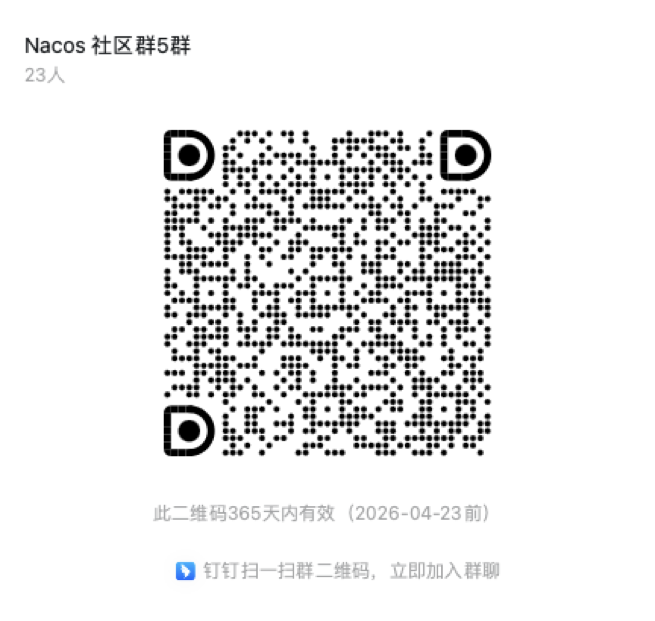
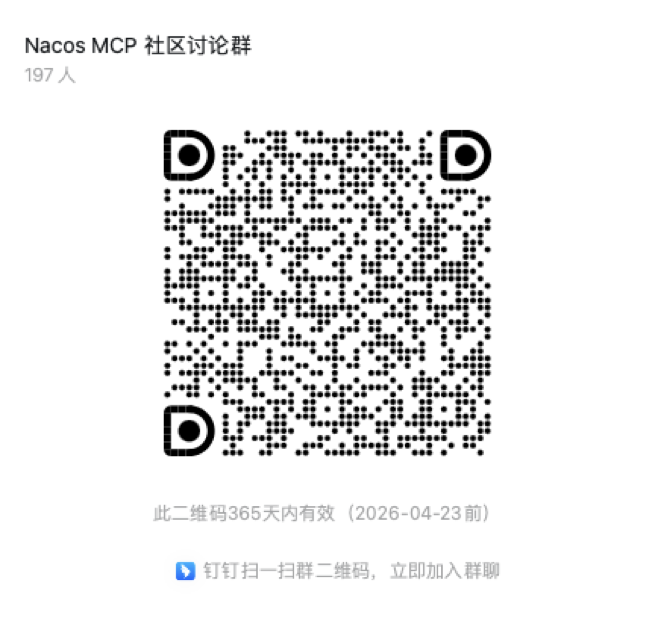
- Join us from DingDing(Group 1: 21708933(full), Group 2: 30438813(full), Group 3: 31222241(full), Group 4: 12810027056).
DingDing Group QR Code
DingDing MCP Group QR Code
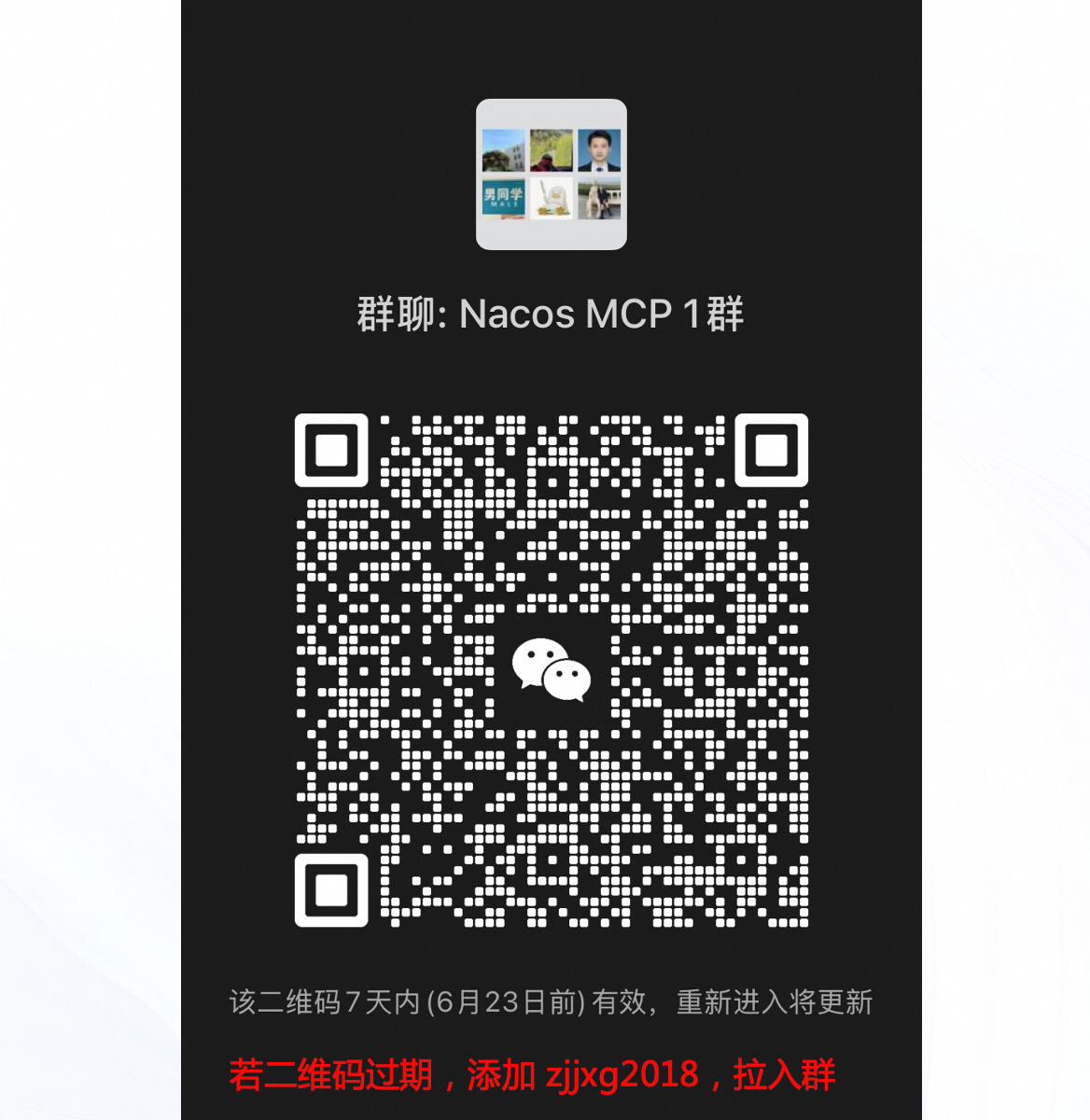
WeChat Group QR Code
Enterprise Service
If you need Nacos enterprise service support, or purchase cloud product services, you can join the discussion by scanning the following DingTalk group. It can also be directly activated and used through the microservice engine (MSE) provided by Alibaba Cloud. https://cn.aliyun.com/product/aliware/mse?spm=nacos-website.topbar.0.0.0
<img src="https://img.alicdn.com/imgextra/i3/O1CN01RTfN7q1KUzX4TcH08_!!6000000001168-2-tps-864-814.png" width="500">Download
Who is using
These are only part of the companies using Nacos, for reference only. If you are using Nacos, please add your company here to tell us your scenario to make Nacos better.
<table> <tr> <td><img src="https://data.alibabagroup.com/ecms-files/886024452/296d05a1-c52a-4f5e-abf2-0d49d4c0d6b3.png" alt="Alibaba Group" width="180" height="120"></td> <td><img src="https://a.msstatic.com/huya/main/img/logo.png" alt="虎牙直播" width="180" height="120"></td> <td><img src="https://v.icbc.com.cn/userfiles/Resources/ICBC/shouye/images/2017/logo.png" alt="ICBC" width="180" height="120"></td> <td><img src="https://pic2.iqiyipic.com/lequ/20220422/e7fe69c75e2541f2a931c9e538e2ab9d.jpg" alt="爱奇艺" width="180" height="120"></td> </tr> <tr> <td><img src="https://img.alicdn.com/tfs/TB1pwi9EwHqK1RjSZJnXXbNLpXa-479-59.png" alt="平安科技" width="180" height="120"></td> <td><img src="https://img.alicdn.com/tfs/TB1MZWSEzDpK1RjSZFrXXa78VXa-269-69.png" alt="华夏信财" width="180" height="120"></td> <td><img src="https://www.urwork.cn/public/images/ui/logo.png" alt="优客工场" width="180" height="120"></td> <td><img src="https://img.alicdn.com/tfs/TB1ebu.EAvoK1RjSZFwXXciCFXa-224-80.png" alt="贝壳找房" width="180" height="120"></td> </tr> <tr> <td><img src="https://img.alicdn.com/tfs/TB1lxu7EBLoK1RjSZFuXXXn0XXa-409-74.png" alt="瑞安农村商业银行" width="180" height="120"></td> <td><img src="https://img.alicdn.com/tfs/TB1L16eEzTpK1RjSZKPXXa3UpXa-302-50.png" alt="司法大数据" width="180" height="120"></td> <td><img src="https://www.souyidai.com/www-style/images/logo.gif" alt="搜易贷" width="180" height="120"></td> <td><img src="https://img.alicdn.com/tfs/TB1OigyDyLaK1RjSZFxXXamPFXa-168-70.png" alt="平行云" width="180" height="120"></td> </tr> <tr> <td><img src="https://img.alicdn.com/tfs/TB1gJ4vIhTpK1RjSZR0XXbEwXXa-462-60.jpg" alt="甘肃紫光" width="180" height="120"></td> <td><img src="http://www.seaskylight.com/cn/uploadfiles/image/logo.png" alt="海云天" width="180" height="120"></td> <td><img src="https://img.alicdn.com/tfs/TB1DZWSEzDpK1RjSZFrXXa78VXa-240-62.png" alt="Acmedcare+" width="180" height="120"></td> <td><img src="https://14605854.s21i.faiusr.com/4/ABUIABAEGAAg4OvkzwUo8b-qlwUwxQ449gM!300x300.png" alt="北京天合互联信息有限公司" width="180" height="120"></td> </tr> <tr> <td><img src="http://www.mwclg.com/static-resource/front/images/home/img_logo_nav.png" alt="上海密尔克卫化工" width="180" height="120"></td> <td><img src="https://www.synwe.com/logo-full.png" alt="大连新唯" width="180" height="120"></td> <td><img src="https://user-images.githubusercontent.com/10215557/51593180-7563af00-1f2c-11e9-95b1-ec2c645d6a0b.png" alt="立思辰" width="180" height="120"></td> <td><img src="https://img.alicdn.com/tfs/TB1zWW2EpYqK1RjSZLeXXbXppXa-262-81.png" alt="东家" width="180" height="120"></td> </tr> <tr> <td><img src="http://www.sh-guiyao.com/images/logo.jpg" alt="上海克垚" width="180" height="120"></td> <td><img src="http://www.lckjep.com:80//theme/img/logoTop.png" alt="联采科技" width="180" height="120"></td> <td><img src="https://img.alicdn.com/tfs/TB1G216EsbpK1RjSZFyXXX_qFXa-325-53.jpg" alt="南京28研究所" width="180" height="120"></td> <td><img src="https://p1.ifengimg.com/auto/image/2017/0922/auto_logo.png" alt="凤凰网-汽车" width="180" height="120"></td> </tr> <tr> <td><img src="http://www.sinochemitech.com/zhxx/lib/images/-logo.png" alt="中化信息" width="180" height="120"></td> <td><img src="https://img.alicdn.com/tfs/TB1DXerNgDqK1RjSZSyXXaxEVXa-333-103.png" alt="一点车" width="180" height="120"></td> <td><img src="https://img.alicdn.com/tfs/TB1VfOANgHqK1RjSZFPXXcwapXa-313-40.png" alt="明传无线" width="180" height="120"></td> <td><img src="https://img.alicdn.com/tfs/TB1lvCyNhTpK1RjSZFMXXbG_VXa-130-60.png" alt="妙优车" width="180" height="120"></td> </tr> <tr> <td><img src="https://img.alicdn.com/tfs/TB1kY9qNgTqK1RjSZPhXXXfOFXa-120-50.png" alt="蜂巢" width="180" height="120"></td> <td><img src="https://img.alicdn.com/tfs/TB1G.GBNbrpK1RjSZTEXXcWAVXa-234-65.png" alt="华存数据" width="180" height="120"></td> <td><img src="https://img.alicdn.com/tfs/TB1qsurNgDqK1RjSZSyXXaxEVXa-300-90.png" alt="数云" width="180" height="120"></td> <td><img src="https://img.alicdn.com/tfs/TB13aywNhTpK1RjSZR0XXbEwXXa-98-38.png" alt="广通软件" width="180" height="120"></td> </tr> <tr> <td><img src="https://img.alicdn.com/tfs/TB1xqmBNjTpK1RjSZKPXXa3UpXa-162-70.png" alt="菜菜" width="180" height="120"></td> <td><img src="https://img.alicdn.com/tfs/TB18DmINcfpK1RjSZFOXXa6nFXa-200-200.png" alt="科蓝公司" width="180" height="120"></td> <td><img src="https://img.alicdn.com/tfs/TB15uqANXzqK1RjSZFoXXbfcXXa-188-86.png" alt="浩鲸" width="180" height="120"></td> <td><img src="https://img.alicdn.com/tfs/TB1mvmyNkvoK1RjSZPfXXXPKFXa-238-46.png" alt="未名天日语" width="180" height="120"></td> </tr> <tr> <td><img src="https://img.alicdn.com/tfs/TB1PSWsNmrqK1RjSZK9XXXyypXa-195-130.jpg" alt="金联创" width="180" height="120"></td> <td><img src="https://img.alicdn.com/tfs/TB1k1qzNbvpK1RjSZFqXXcXUVXa-160-69.png" alt="同窗链" width="180" height="120"></td> <td><img src="https://img.alicdn.com/tfs/TB1HdyvNmzqK1RjSZFLXXcn2XXa-143-143.jpg" alt="顺能" width="180" height="120"></td> <td><img src="https://img.alicdn.com/tfs/TB1UdaGNgHqK1RjSZJnXXbNLpXa-277-62.png" alt="百世快递" width="180" height="120"></td> </tr> <tr> <td><img src="https://img.alicdn.com/tfs/TB17OqENbrpK1RjSZTEXXcWAVXa-240-113.jpg" alt="汽车之家" width="180" height="120"></td> <td><img src="https://img.alicdn.com/tfs/TB1q71ANkvoK1RjSZPfXXXPKFXa-257-104.png" alt="鲸打卡" width="180" height="120"></td> <td><img src="https://img.alicdn.com/tfs/TB1UzuyNhTpK1RjSZR0XXbEwXXa-201-86.jpg" alt="时代光华" width="180" height="120"></td> <td><img src="https://img.alicdn.com/tfs/TB19RCANgHqK1RjSZFPXXcwapXa-180-180.jpg" alt="康美" width="180" height="120"></td> </tr> <tr> <td><img src="https://img.alicdn.com/tfs/TB1iCGyNb2pK1RjSZFsXXaNlXXa-143-143.jpg" alt="环球易购" width="180" height="120"></td> <td><img src="https://avatars0.githubusercontent.com/u/16344119?s=200&v=4" alt="Nepxion" width="180" height="120"></td> <td><img src="https://img.alicdn.com/tfs/TB1aUe5EpzqK1RjSZSgXXcpAVXa-248-124.png" alt="chigua" width="180" height="120"></td> <td><img src="https://img.alicdn.com/tfs/TB1H9O5EAvoK1RjSZFNXXcxMVXa-221-221.jpg" alt="宅无限" width="180" height="120"></td> </tr> <tr> <td><img src="https://img.alicdn.com/tfs/TB1rNq4EwHqK1RjSZFgXXa7JXXa-200-200.jpg" alt="天阙" width="180" height="120"></td> <td><img src="https://img.alicdn.com/tfs/TB1CRAxDxYaK1RjSZFnXXa80pXa-190-190.jpg" alt="联合永道" width="180" height="120"></td> <td><img src="https://img.alicdn.com/tfs/TB1.q14ErrpK1RjSZTEXXcWAVXa-219-219.jpg" alt="明源云" width="180" height="120"></td> <td><img src="https://www.daocloud.io/static/Logo-Light.png" alt="DaoCloud" width="180" height="120"></td> </tr> <tr> <td><img src="https://www.meicai.cn/img/logo.9210b6eb.jpg" alt="美菜" width="180" height="120"></td> <td><img src="https://img5.tianyancha.com/logo/lll/3aad34039972b57e70874df8c919ae8b.png@!f_200x200" alt="松格科技" width="180" height="120"></td> <td><img src="https://www.jsic-tech.com/Public/uploads/20191206/5de9b9baac696.jpg" alt="集萃智能" width="180" height="120"></td> <td><img src="https://www.wuuxiang.com/theme/images/common/logo1.png" alt="吾享" width="180" height="120"></td> </tr> <tr> <td><img src="http://www.tpson.cn/static/upload/image/20230111/1673427385140440.png" alt="拓深科技" width="180" height="120"></td> <td><img src="https://www.sunline.cn/u_file/fileUpload/2021-06/25/2021062586431.png" alt="长亮科技" width="180" height="120"></td> <td><img src="http://pmt2f499f.pic44.websiteonline.cn/upload/wv0c.png" alt="深圳易停车库" width="180" height="120"></td> <td><img src="http://www.dragonwake.cn/static/css/default/img/logo.png" alt="武汉日创科技" width="180" height="120"></td> </tr> <tr> <td><img src="https://i4im-web.oss-cn-shanghai.aliyuncs.com/images/logo.png" alt="易管智能" width="180" height="120"></td> <td><img src="https://www.yunzhangfang.com/assets/img/logo.4096cf52.png" alt="云帐房" width="180" height="120"></td> <td><img src="https://www.sinocare.com/sannuo/templates/web/img/bocweb-logo.svg" alt="三诺生物" width="180" height="120"></td> <td></td> </tr> <tr> <td>郑州山水</td> <td>知氏教育</td> <td></td> <td></td> </tr> </table>